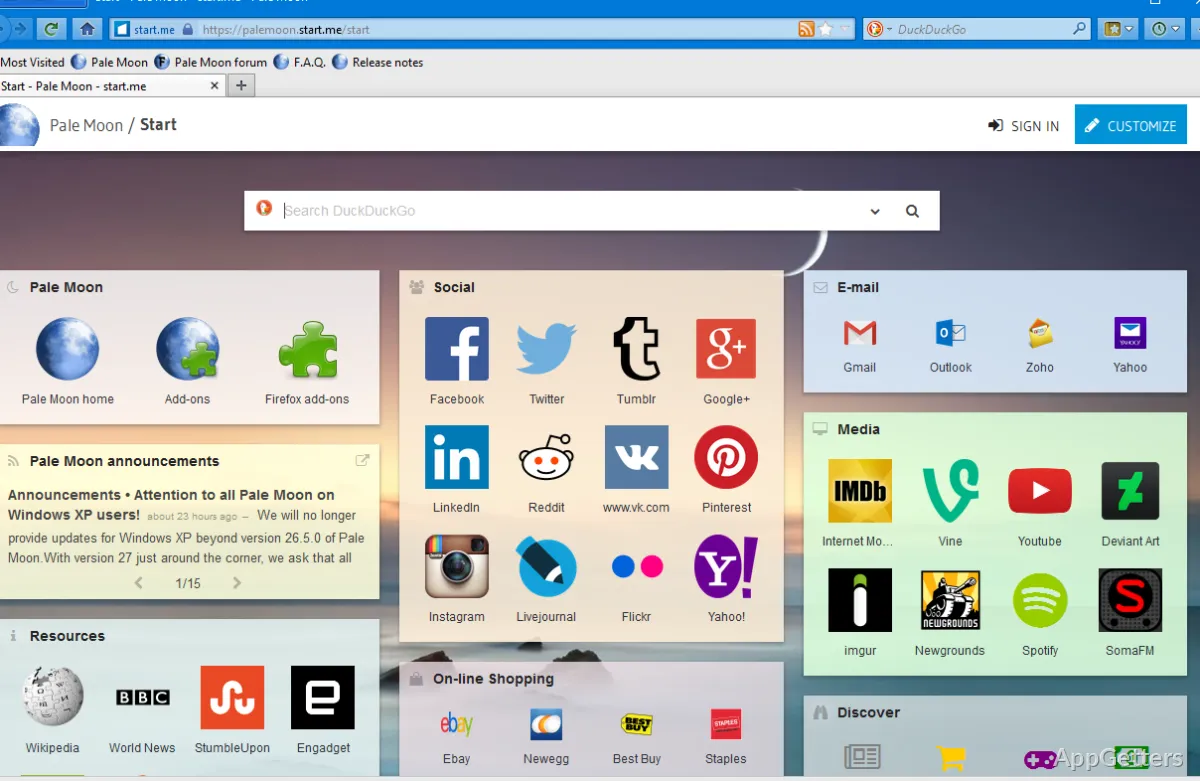
Want a browser with a classic interface and room to customize how it looks and behaves? Pale Moon is a Windows browser built around its own Goanna rendering engine, with themes, extensions, and privacy-focused defaults.
Goanna and the classic interface
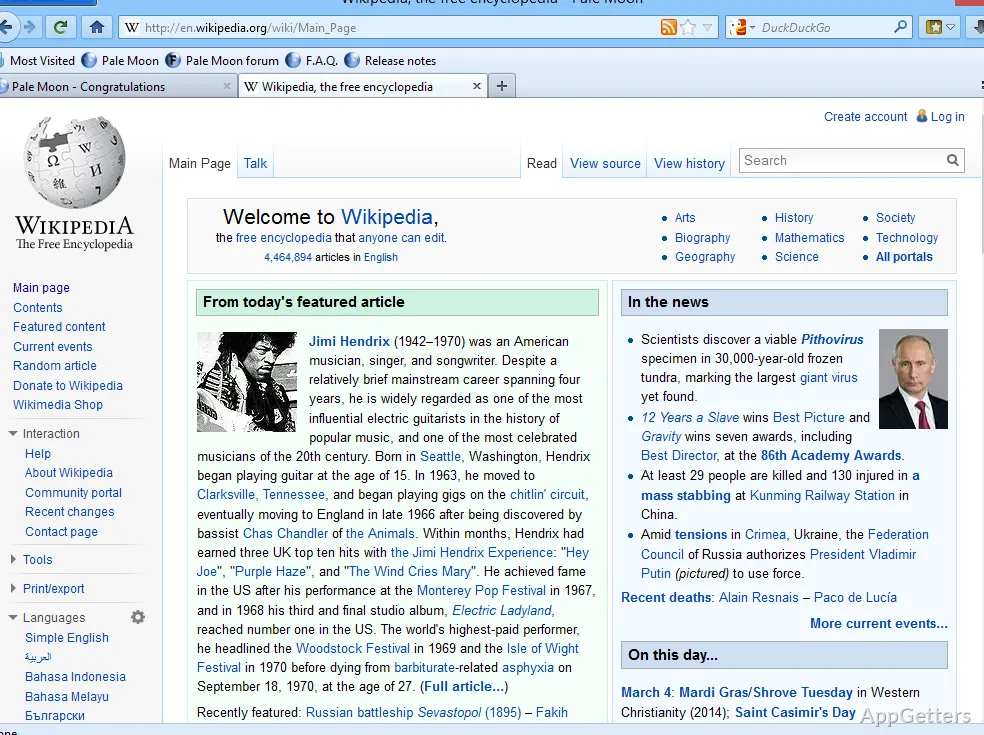
Pale Moon uses Goanna, its independently maintained layout and rendering engine. The browser pairs that foundation with a classic-style interface and extensive options for changing its appearance and behavior.
The project keeps Pale Moon in a single process. Its rendering engine can also use graphics hardware acceleration where available.
How do themes and add-ons work?
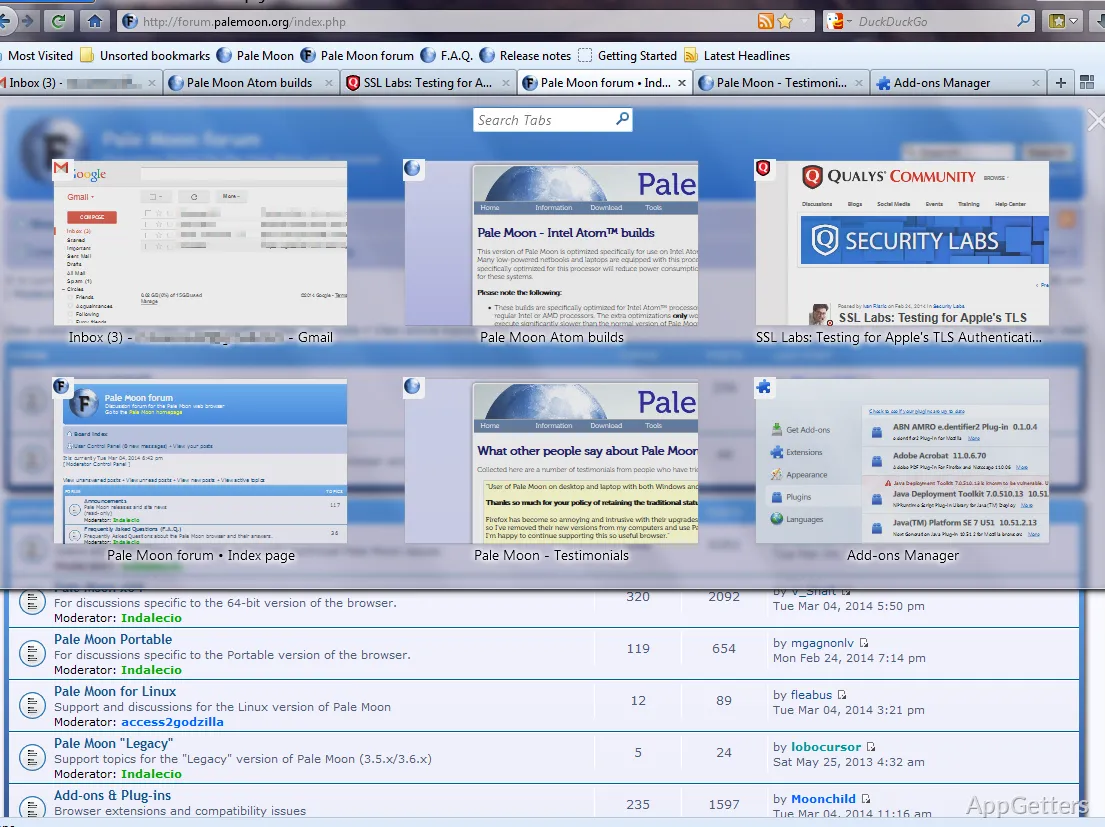
Themes change the browser’s appearance, while extensions add features or alter existing parts of the interface. Pale Moon’s extensions use XUL, which lets them reach into browser functions and controls.
- Install compatible add-ons to extend or change browser behavior.
- Apply themes to customize the browser’s look.
- Pale Moon supports native plugins that use NPAPI, including older Java and Flash plugins.
Privacy and web compatibility
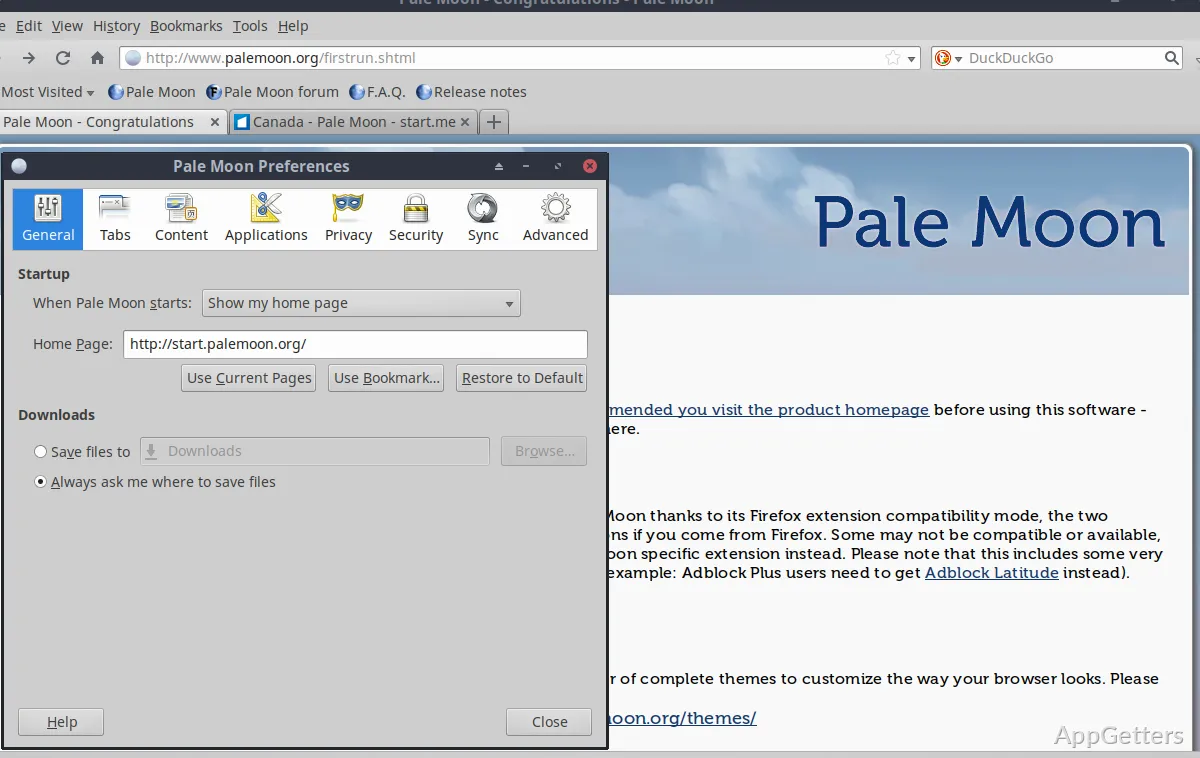
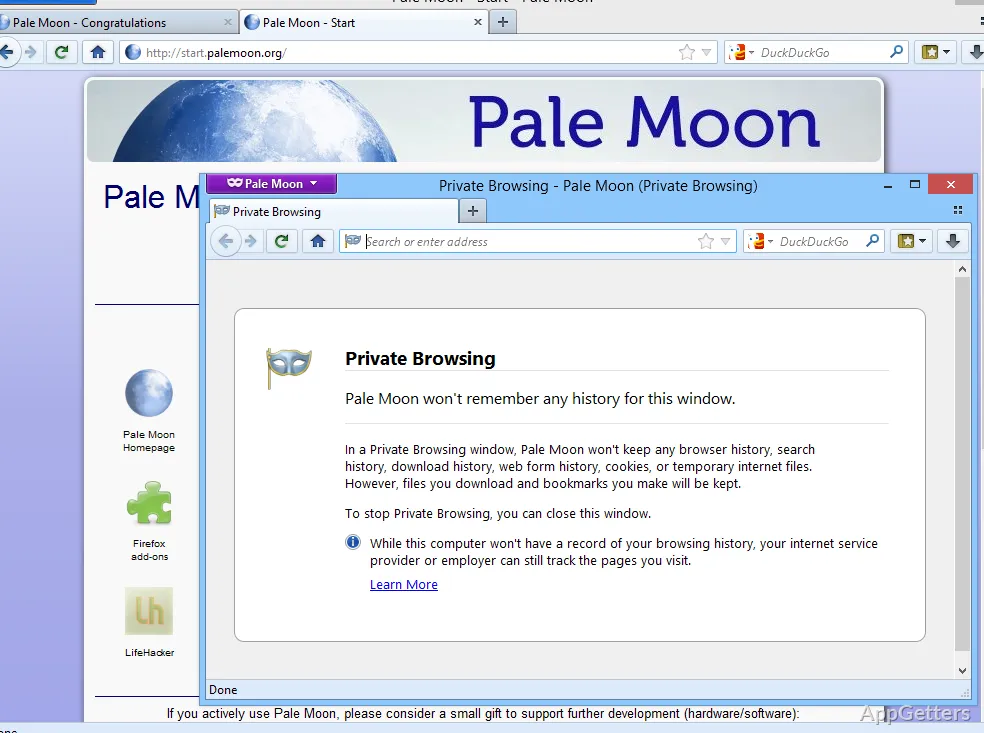
Pale Moon includes no ads, telemetry, or data gathering. DuckDuckGo is the default search engine, and the start page can be changed to another choice.
The browser follows a selected set of web standards and omits some proposed features and APIs. As a result, certain sites may require special handling or a second browser, particularly when they rely on features Pale Moon does not implement.
Pros
- Goanna rendering engine maintained as part of Pale Moon’s own platform
- XUL add-ons can change browser features and appearance
- Full theming and native NPAPI plugin support
- No advertising, telemetry, or data gathering
Cons
- Some websites may need special handling or a secondary browser
System requirements: Windows 7, Windows 8, Windows 8.1, Windows 10, Windows 11 · At least 2 GB free RAM · At least 250 MB free drive space · Windows 7 requires Service Pack 1
Does Pale Moon support browser extensions?
Yes. It supports XUL add-ons that can extend browser features or change parts of its interface.
Can I customize Pale Moon’s appearance?
Yes. Pale Moon supports themes, and its add-ons can also modify the browser’s appearance.
Why might a website not work correctly in Pale Moon?
Some websites depend on web features that Pale Moon does not implement, so they may need special handling or another browser.