Want browser privacy controls that work while you visit everyday websites? Mozilla Firefox includes Enhanced Tracking Protection, private windows, and tools for organizing bookmarks, tabs, and frequently visited pages.
Tracking protection and private windows
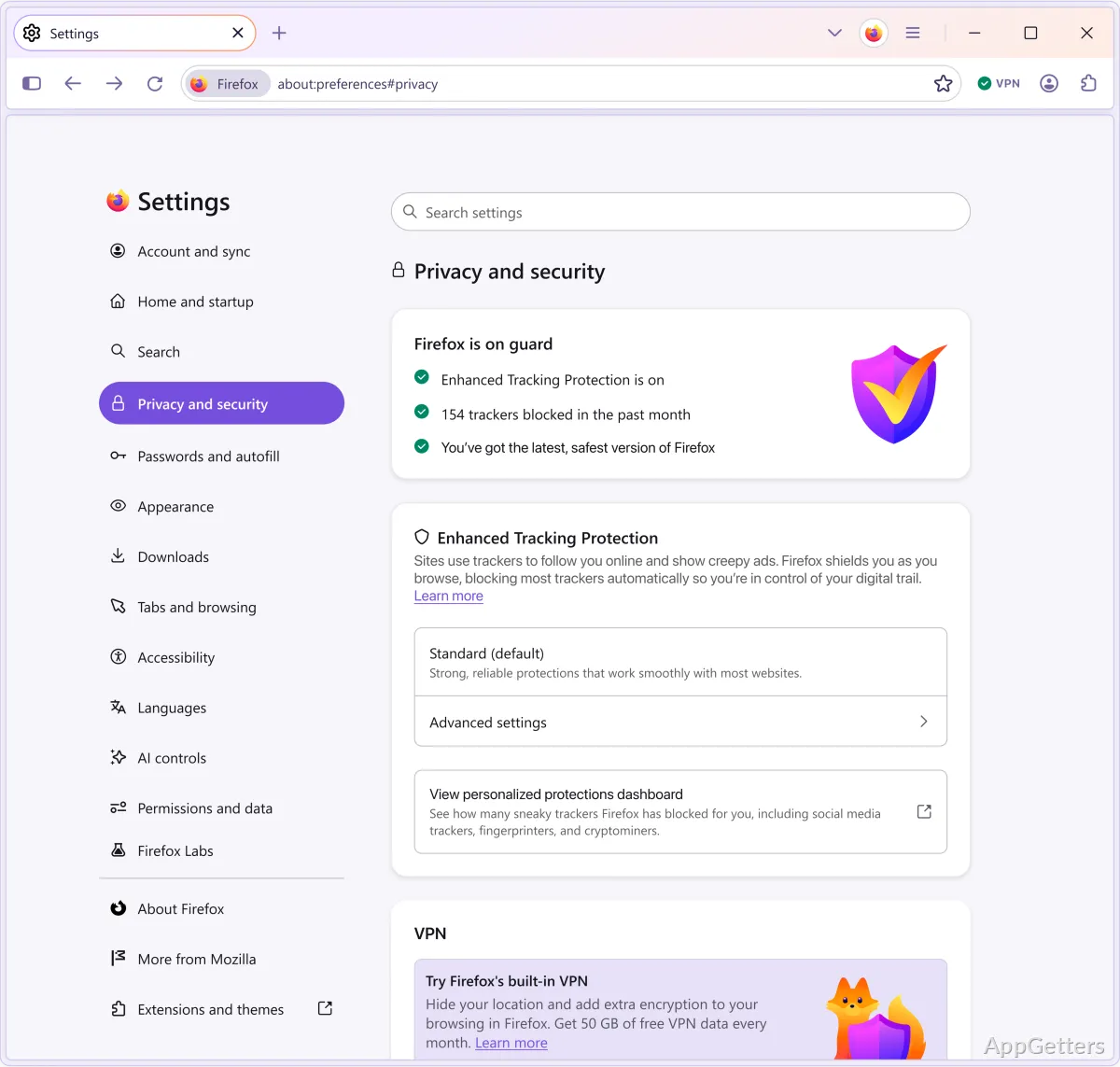
Enhanced Tracking Protection can block trackers that follow activity across websites. Private browsing works in separate windows; when such a session ends, its browsing history and cookies are removed from the browser.
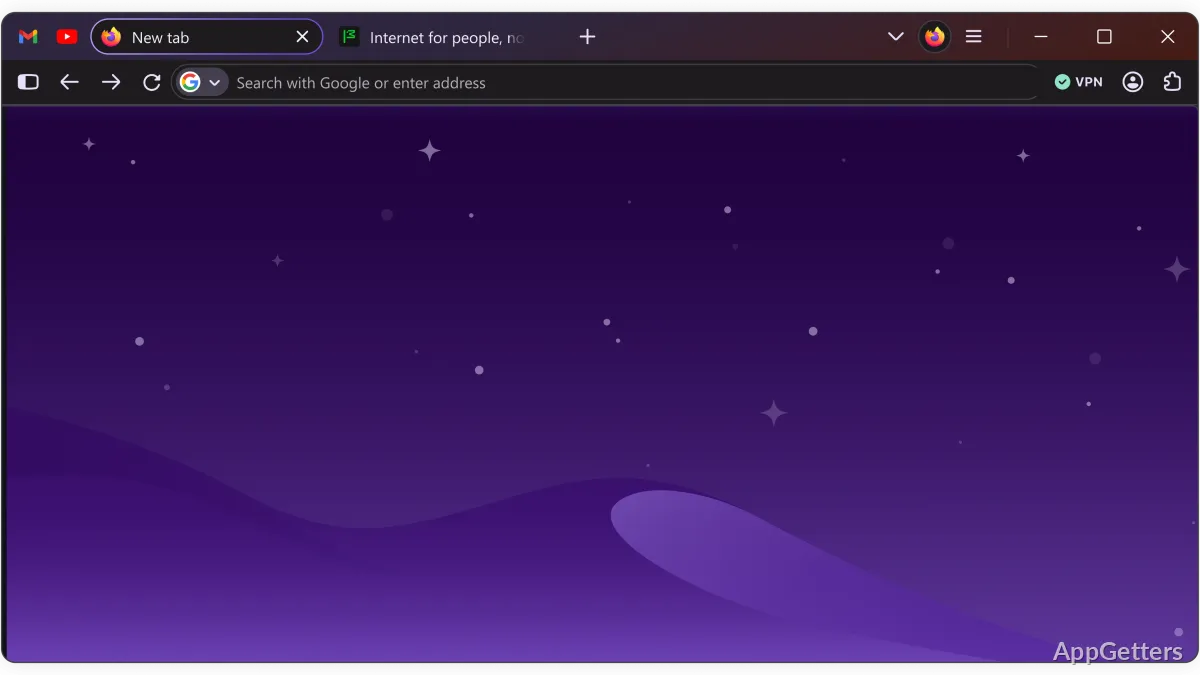
For sites you visit often, the Firefox home screen can show shortcuts that you add or remove. The address bar accepts web addresses and search terms, and its history suggestions can complete sites you have visited before.
Bookmarks, tabs, and search
Bookmarks keep frequently used pages within reach, while browser history provides a way to return to previously visited sites. Firefox's tabbed browsing lets you keep multiple pages open in one window.
- Use the home screen shortcuts to open familiar websites.
- Search or enter an address from the address bar.
- Keep useful pages in bookmarks for later.
Extensions and device sync
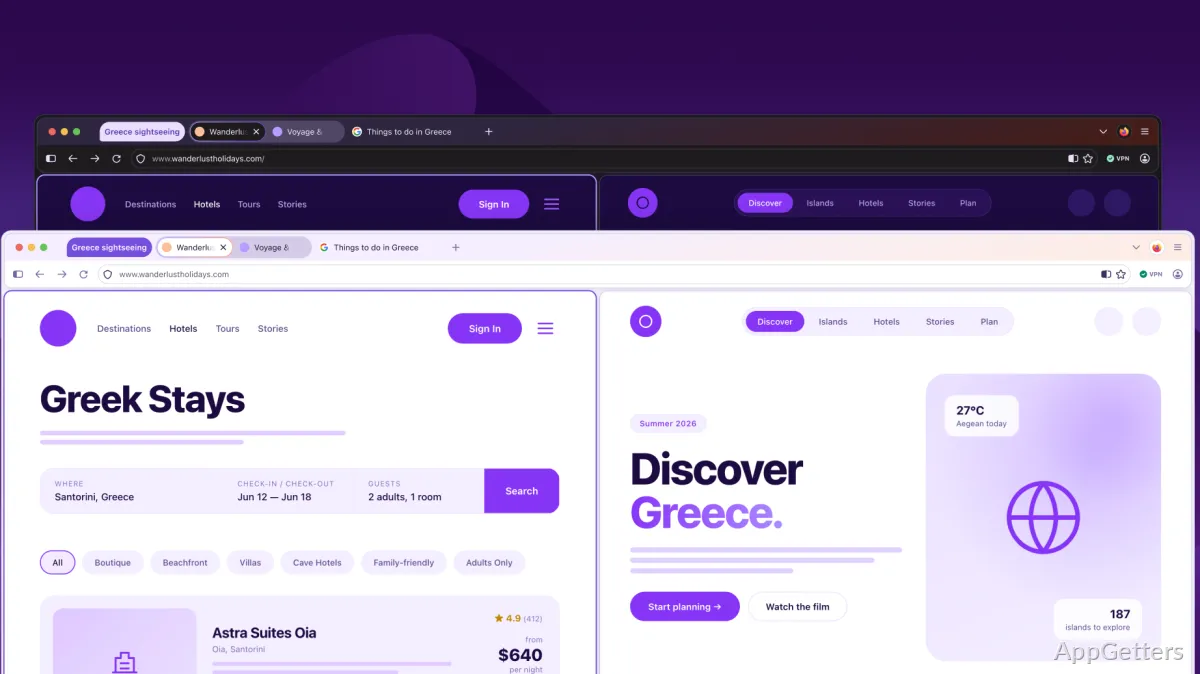
Add-ons extend Firefox with tools and functions beyond the built-in browser features. Themes change the browser's appearance, including light and dark options.
With a Firefox account, your bookmarks, passwords, history and open tabs follow you to your other computers and phones.
Pros
- Enhanced Tracking Protection blocks cross-site trackers
- Private windows discard browsing history and cookies when closed
- Bookmarks, passwords, history, and open tabs can sync across devices
- Themes and extensions let you customize the browser
System requirements: Windows 10, Windows 11 · 32-bit and 64-bit · Pentium 4 or newer processor supporting SSE2 · 512 MB RAM (32-bit); 2 GB RAM (64-bit) · 200 MB hard drive space
What does Enhanced Tracking Protection do?
It blocks trackers that attempt to follow your activity across websites.
What happens to data in a private window?
Firefox removes that private session's browsing history and cookies when the private session ends.
What information can Firefox sync across devices?
With a Firefox account, it can sync bookmarks, passwords, browsing history, and open tabs.