Most Windows users find that the default browser is either too dull or too wild a choice. On the one hand, stable versions can be very slow in implementing web standards. On the other hand, very early builds tend to be unreliable due to frantic experimentation. The conflict is quite obvious to developers, testers, and power users who crave new features but, at the same time, need their work unbroken. On Windows, the browser you choose can make a big difference to your productivity, compatibility, and battery life. Striking the perfect balance is an important thing to do.
Microsoft Edge Dev fills the gap quite nicely. It lets you know what features are going to be available soon. At the same time, it is still stable enough to be used regularly. Users who want to know more about the future of Edge but don’t want to take the risk of a nightly build will find it a good compromise.
Still a Fully Functional Preview Channel
Edge Dev is one of the release channels in Microsoft’s multi-channel release strategy. It lies between Beta and Canary. Since updates come once a week, the user can enjoy being the first to try out the new interface. The user can experience security enhancements and performance optimizations without running the risk of unstable daily builds of experimental features.
Edge Dev is largely stable in real Windows 10 and 11 environments. It is quick to start. Handling windowing is smooth, and compatibility with most popular sites is flawless. Trying to fix bugs may result in running after some bizarre UI behaviors or extension problems, but their severity is very low. They will most likely disappear. Untangling your user’s machine from a mess of bugs and crashes is not a daily problem. You are able to see features that will soon be publicly available without risking your machine. Surprisingly, Dev is so reliable.
Improvements to the Workflow as Well as the Developers
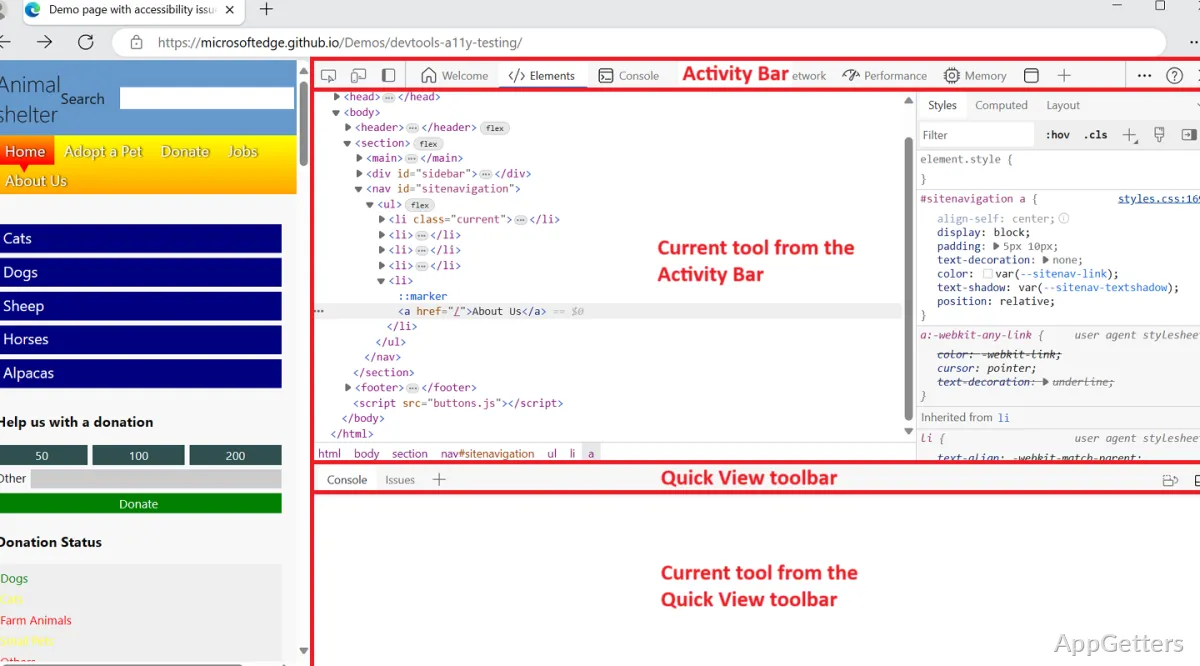
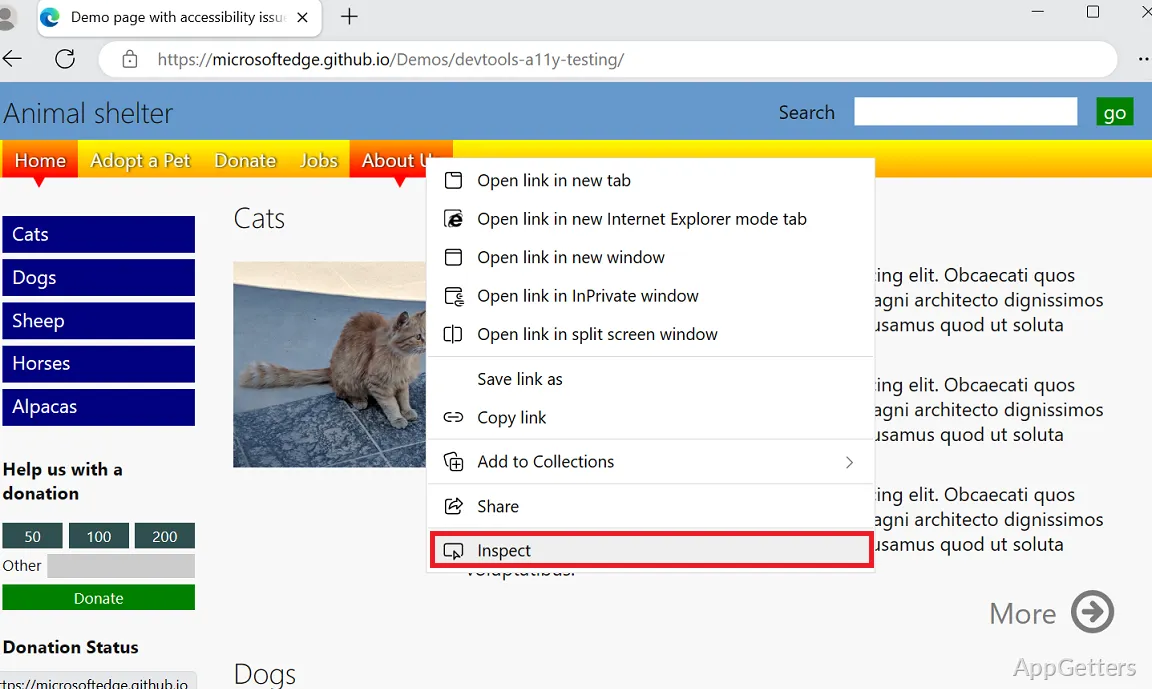
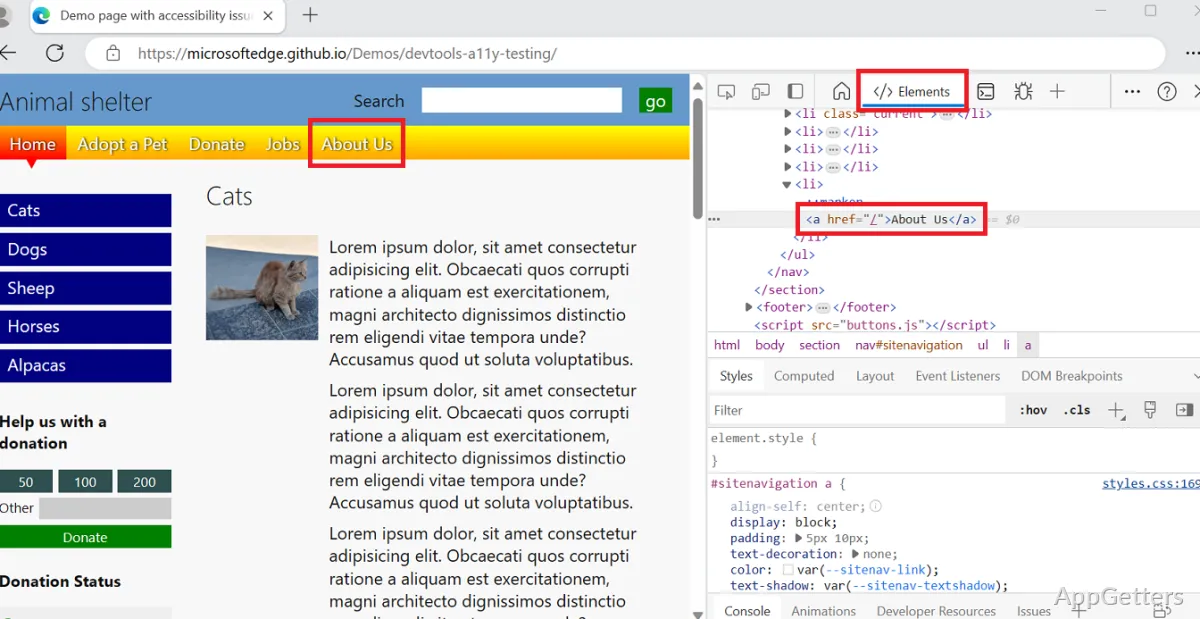
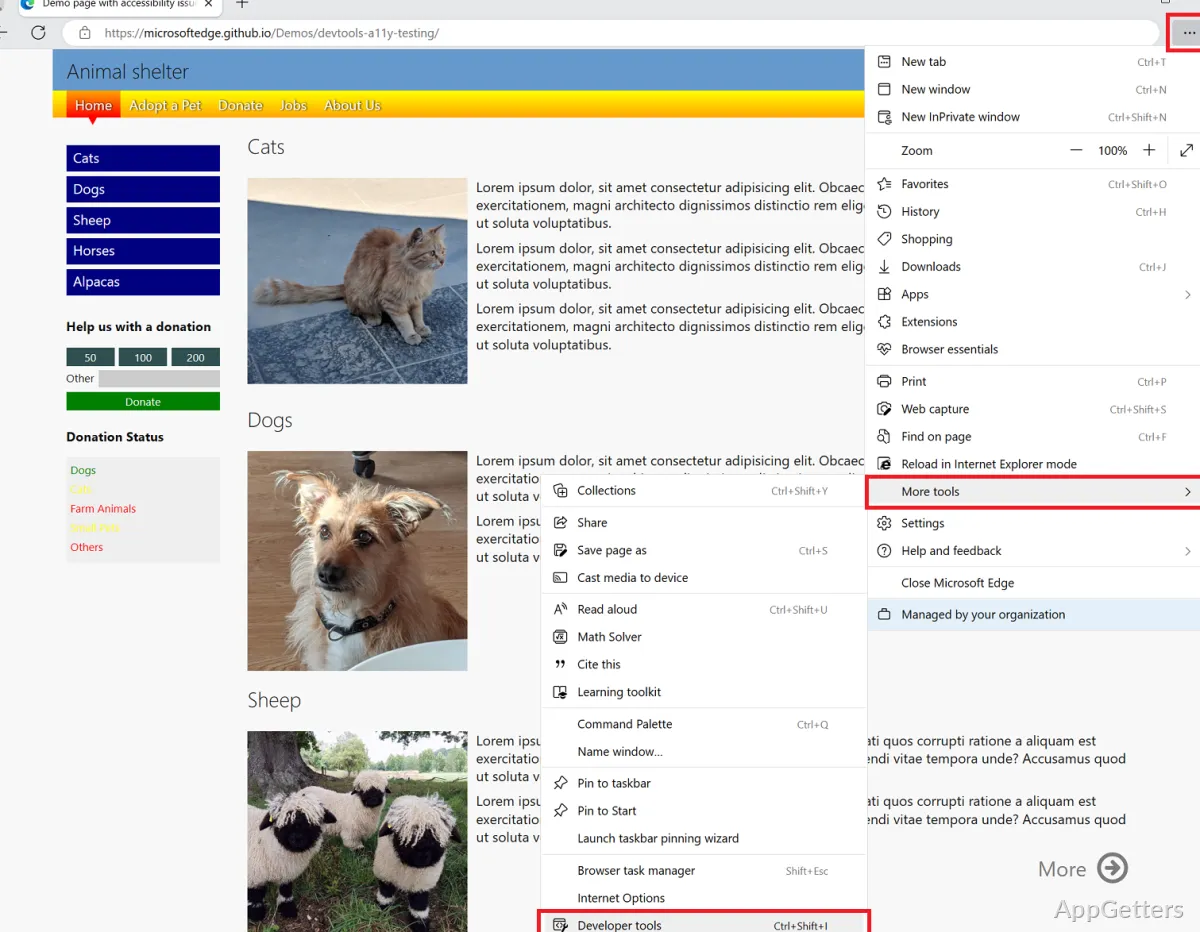
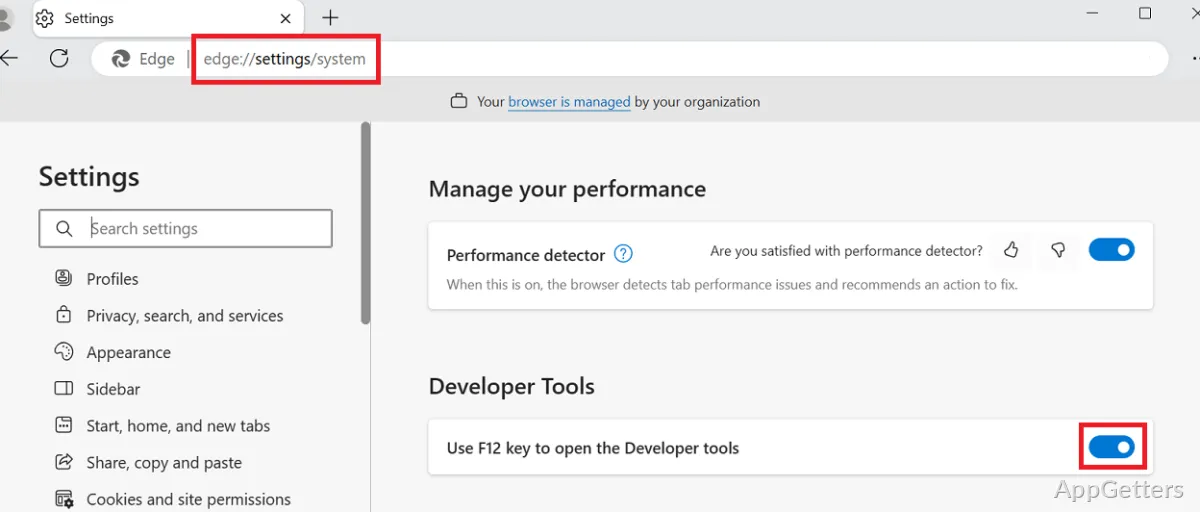
With Microsoft Edge Dev, the developers and tech-savvy users can grab the advanced version of the DevTools first. They can use the experimental flags and take a peek at the latest Chromium updates. As it is a Chromium-based browser, compatibility with up-to-date web apps is maintained at the highest level. Here, developers can test the web page layout, run the debugger, and check out experimental CSS or JavaScript features. These features come to the Stable version later.
At the end of the day, this means that developers can be one step ahead in browser changes. Thus, they will not have to face the shock when clients or users tell them that they have problems with the browser. Web development students can also benefit from watching live feature evolutions. On the contrary, being a development channel means that there are times when the changes to the experimental tools can cause you to lose the workflow that you have saved. You cannot treat this channel as your only installed browser. However, you can always keep it as your primary testing browser.
Windows and Everyday Use Integration
Microsoft Edge Dev is well integrated into Windows by means of features like system notifications, default app settings, and Microsoft account syncing. Profiles, bookmarks, passwords, and extensions on all devices can be synced as on the Stable release. Home users who would like to be the first ones in the queue for new, early features, such as UI refinements or AI-assisted tools, will find that with Dev, they don’t even have to sacrifice their present setup.
Running on Windows laptops is generally very efficient because it can take advantage of Microsoft’s system-level optimizations. The amount of battery power used is about the same as in the standard Edge build. However, businesses and mission-critical operations that are still focused on the Stable mode will stay with it for the reason of expected uninterrupted update cycles. The lowered risk factor involved is another reason. Weekly updates of Dev may bring about small changes that may not be welcomed by IT departments in charge of PC management.
Best for Testers, Developers, and Power Users With a Bit of Curiosity
Pressing the limits has never been more exciting and fun with the new Edge Dev. This is especially true when considering that it is not as unstable as in the past. Developers, QA testers, students in technical fields, and browser evolution enthusiasts are going to be attracted to the new Edge Dev. With a certain degree of risk, you are allowed to try things out. You are still able to carry out your daily browsing without many hiccups.
If it is not a surprise that with the Stable version of Edge, typical home users would mostly have a reliable and steady browser, then it should not be a surprise that they would not be the ones attracted by the lot of state-of-the-art features and innovations that the Alpha and Beta channels have to offer. But to those who are keen on getting early access as well as incremental innovation, without experiencing the volatility of daily builds, Edge Dev can be used either as a practical secondary browser. If the tolerance for the minor issues is high enough, it can even be used as a semi-primary one.