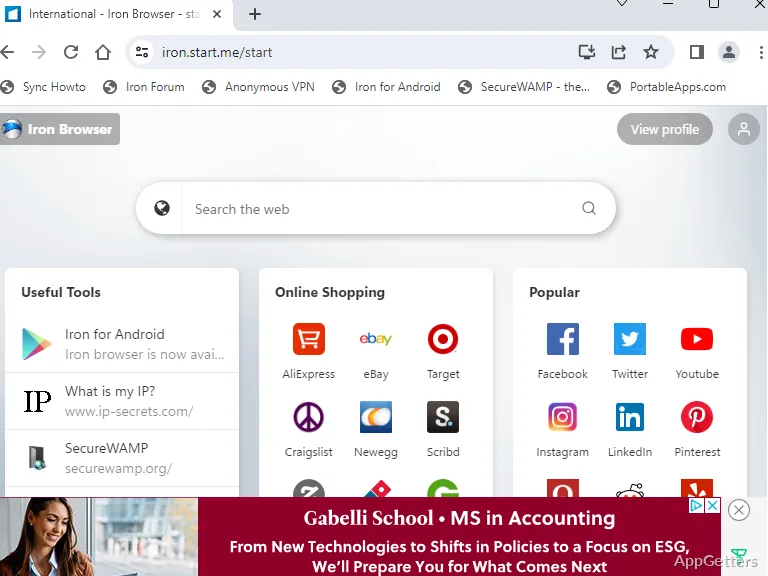
Want a Chromium browser that sends less data to Google and runs straight from a USB stick? Iron Portable is SRWare’s Chromium-based browser, packaged to run from a folder or removable drive without a conventional installation.
Launch Iron from a portable location
Place Iron Portable in a local folder or on removable storage, then launch it from there. The browser’s data stays together in its portable folder, so the same setup can travel between computers. It can also run from cloud storage.
The PortableApps Platform provides an option for managing the app and receiving automatic updates. Iron Portable can also run without that platform.
Browse with Iron’s Chromium base
Iron uses the open-source Chromium codebase, the same underlying project used by Google Chrome.
- Use a portable folder to carry browsing data between locations.
- Launch from local storage, a removable drive, or cloud storage.
Reduce specific Chrome package data
Iron omits certain information found in some Google Chrome packages, including unique identifiers, timestamps, and custom error pages. These changes are aimed at reducing tracking-related data in the browser package.
Pros
- Runs from local, removable, or cloud storage without installation
- Keeps portable browser data together in one folder
- Removes specific identifiers and other Chrome-package information
- PortableApps Platform can manage installs and automatic updates
System requirements: Windows 10, Windows 11
Does Iron Portable need to be installed?
No. It runs from a folder or removable drive without a conventional installation.
Where does Iron Portable keep browser data?
Its portable data stays together in the browser’s folder.
What privacy-related changes does Iron make?
It omits specific Chrome-package information, including unique identifiers, timestamps, and custom error pages.