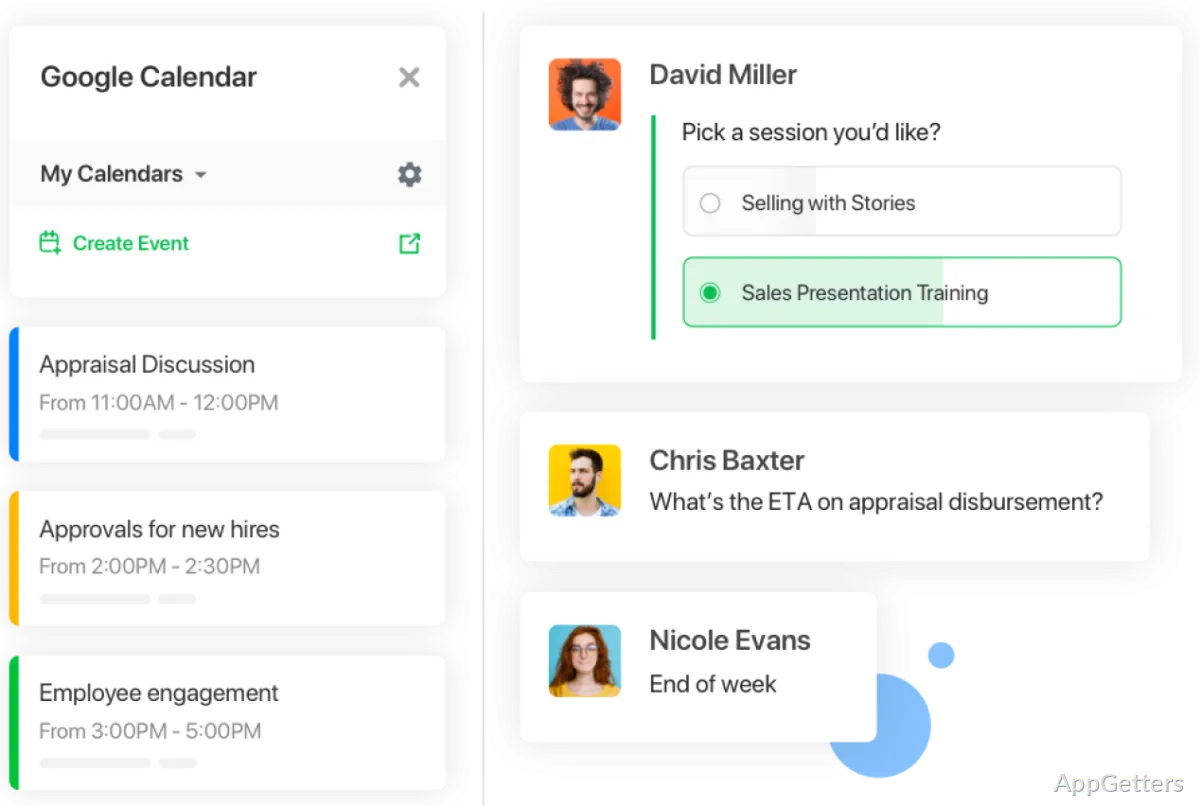
Need team conversations, calls, and shared work tools in one desktop app? Flock organizes discussions in channels and brings file sharing and collaboration tools into the same workspace.
Flock channels keep team discussions organized
Create channels for a project, team, or broader company topic, then keep relevant conversations together there. This gives people a shared place to discuss decisions and coordinate work without mixing unrelated subjects into one chat.
Channels also support asynchronous communication, so teammates can contribute at different times. Flock’s desktop app brings those conversations to Windows, alongside file sharing and team messaging.
Calls include voice, video, and screen sharing
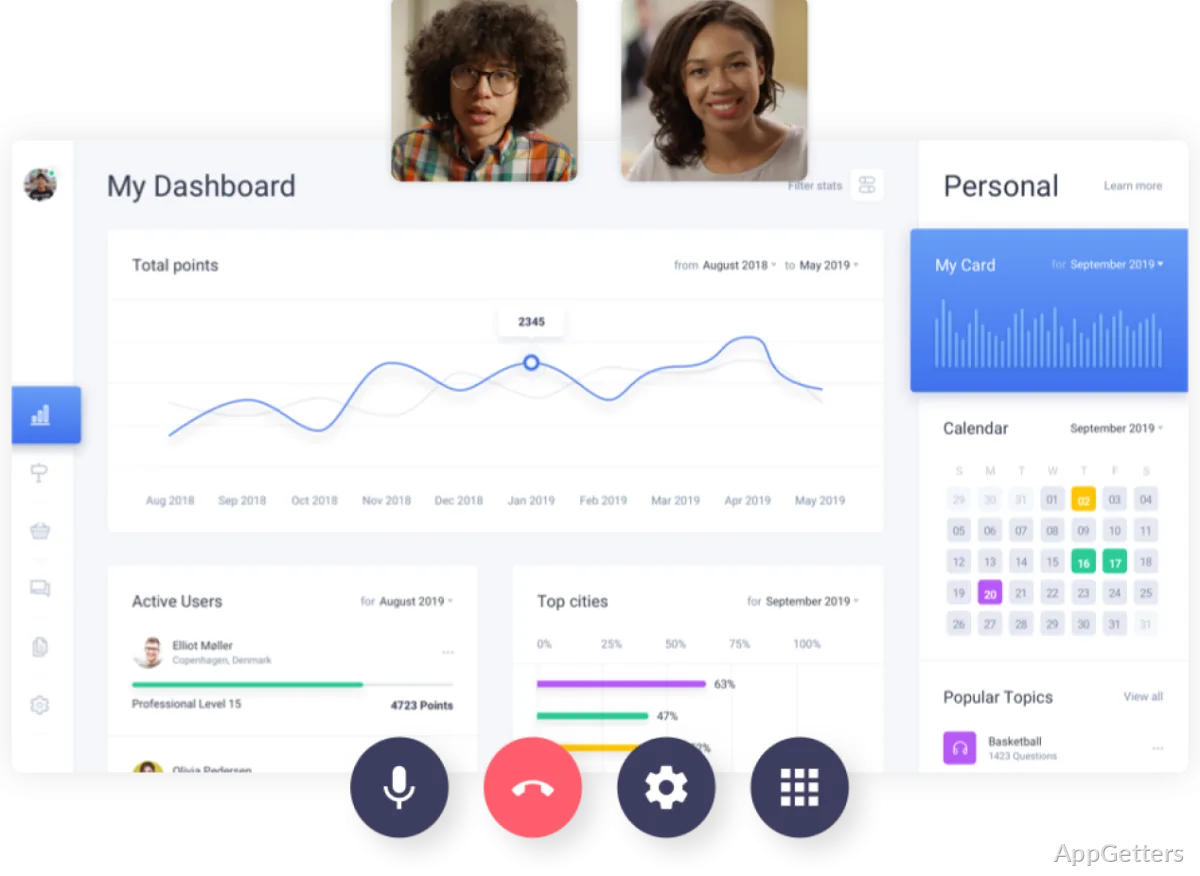
When a conversation needs spoken feedback, Flock includes voice and video calling. Screen sharing lets participants show a document, presentation, or other on-screen detail while they talk.
Notes, to-dos, and integrations connect team workflows
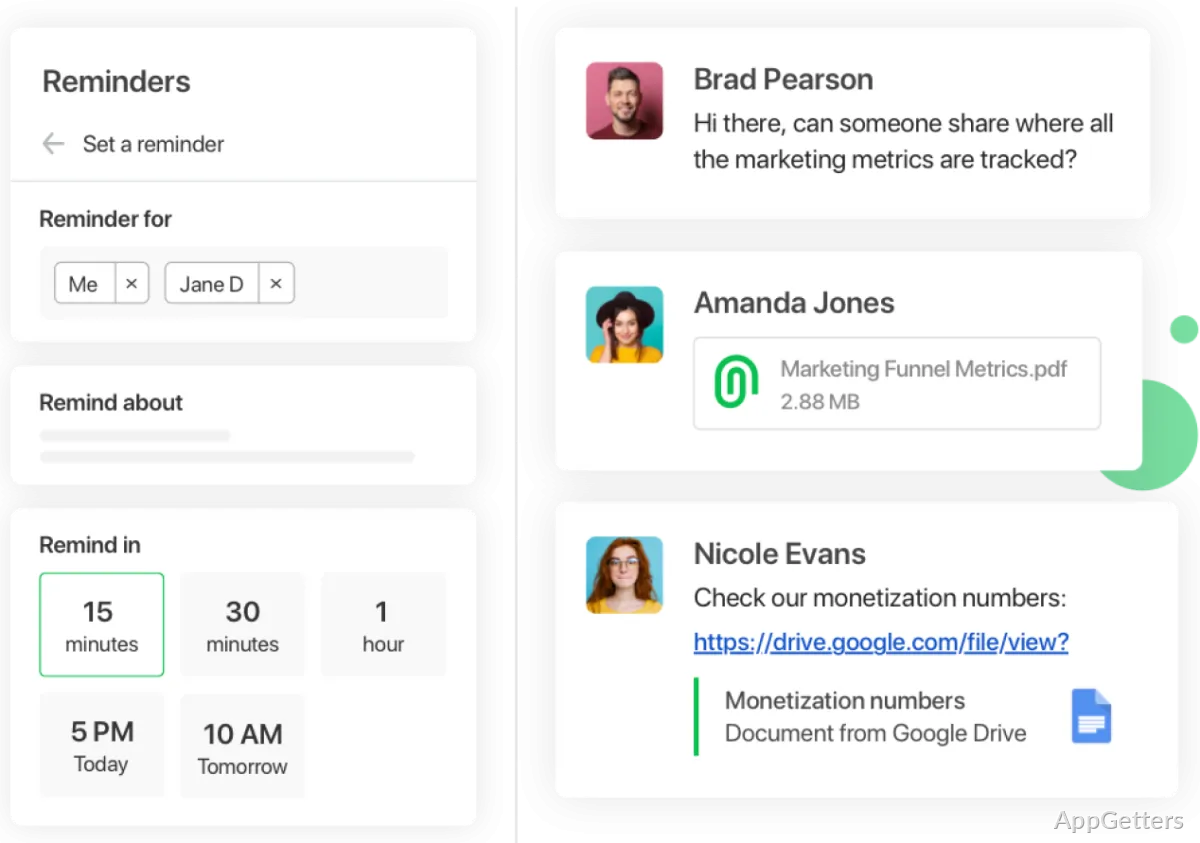
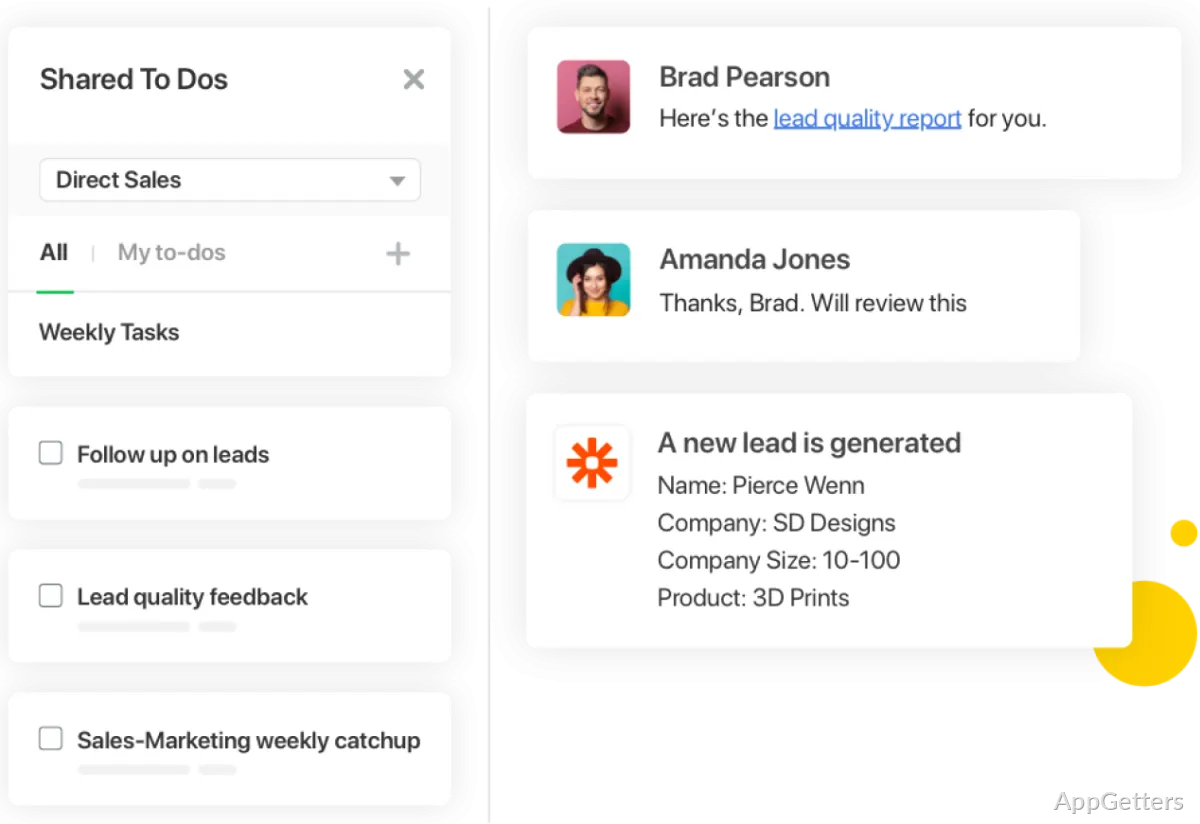
Notes, task lists and reminders shared with the team give people a place to track project details and follow-up tasks alongside their conversations. These tools can keep stakeholders informed as work moves forward.
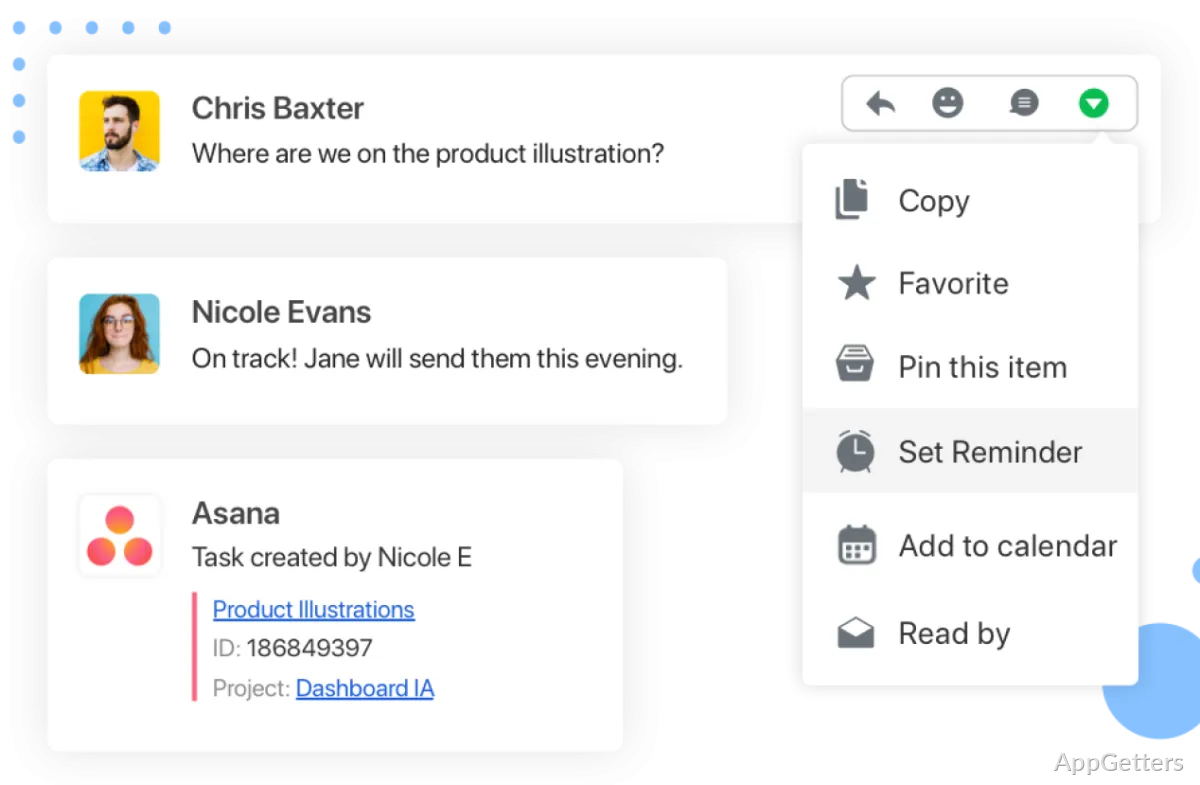
- Connect services such as Asana, Trello, or Jira to bring project workflows into Flock.
- Share files in the workspace to keep documents close to the conversations they relate to.
Pros
- Channels organize conversations around projects or company initiatives
- Voice and video calls include screen sharing
- Shared notes, to-dos, and reminders support project coordination
- Integrations connect Flock with tools such as Asana, Trello, and Jira
System requirements: Windows 7, Windows 8, Windows 8.1, Windows 10, Windows 11
How does Flock organize team conversations?
Teams create channels for topics such as projects or company initiatives and discuss those subjects in the relevant channel.
Can Flock handle calls and screen sharing?
Yes. Flock includes voice and video calls, with screen sharing for showing on-screen material during a conversation.
What project tools are available in Flock?
Flock includes shared notes, to-dos, and reminders, and it can connect with services such as Asana, Trello, and Jira.