Need to keep several online accounts in separate browser environments? AdsPower organizes accounts into isolated profiles, each with its own browsing data and fingerprint settings. Each profile can route through its own proxy. Many platforms ban running multiple accounts, so check their terms first.
Browser profiles and account data
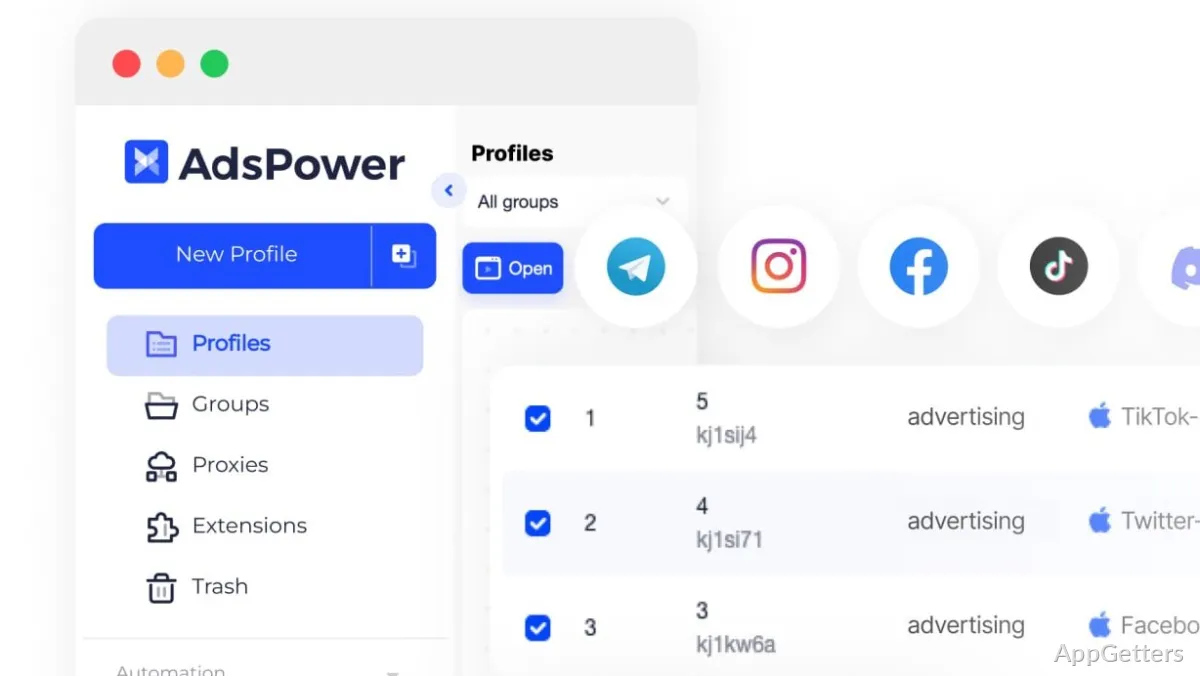
Create a profile for each account or store, then launch it as a separate browsing environment. Profiles keep their cookies and other browsing data apart, reducing the chance of mixing account sessions when moving between tasks.
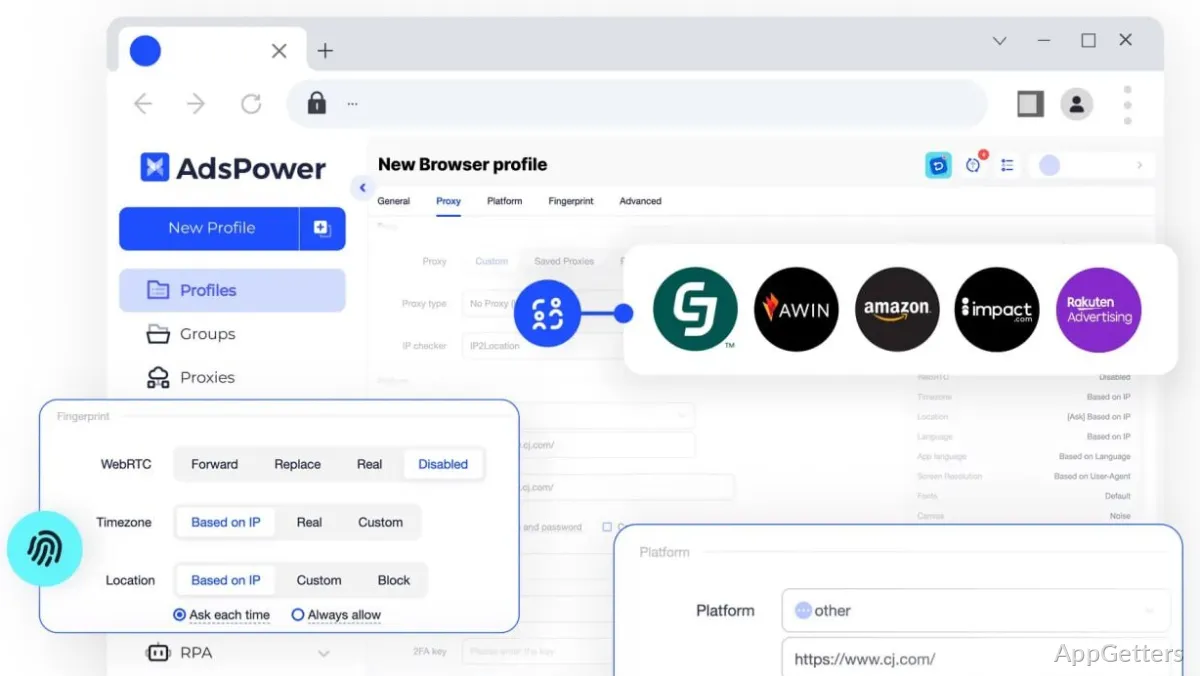
AdsPower offers SunBrowser, based on Chromium, and FlowerBrowser, based on Firefox. Profile settings include browser fingerprint parameters and network configuration, so accounts can have distinct environments. Proxy choices include HTTP, HTTPS, SOCKS5, and SSH, or a local network connection without a proxy.
Fingerprint and proxy settings
Profile configuration covers browser characteristics such as canvas, WebGL, audio, WebRTC, and user-agent details. Pairing those values with a matching proxy location makes each profile look like a separate device.
- Choose a browser type for a profile.
- Set fingerprint parameters and proxy details independently.
- Keep account cookies and browsing data within the profile.
RPA and synchronized windows
AdsPower’s RPA tools automate batches of repeated browser actions, including routine browsing and searches. Window Synchronizer sends actions across open browser windows, which can reduce repetitive input during posting or other account operations.
Team access and integrations
Admins decide which team members see which profiles and what they may do with them. For scripted workflows, the REST API connects profiles with automation scripts and internal tools. AdsPower also supports control through AI agents using MCP and Skills.
Pros
- Separate cookies and browser fingerprints for each profile
- SunBrowser and FlowerBrowser profile options
- RPA and window synchronization for repeated actions
- REST API and MCP support for automation
Cons
- Multi-accounting can break platforms terms of service
- Many settings to learn before the first profile
System requirements: Windows 10, Windows 11 · 32-bit and 64-bit · Minimum 2 GB RAM · Minimum 2 GB free disk space · Dual-core CPU
What is the difference between SunBrowser and FlowerBrowser?
SunBrowser is built on Chromium, FlowerBrowser on Firefox.
Which proxy types does AdsPower accept?
HTTP, HTTPS, SOCKS5 and SSH, or a direct local connection.
Does AdsPower run on 32-bit Windows?
Yes. Windows 10 and 11 in both 32-bit and 64-bit are supported, with at least 2 GB of RAM.
Can it automate tasks?
Yes. RPA flows, Window Synchronizer and a REST API cover repeated actions and scripts.
Is multi-accounting allowed?
That depends on each platform. Many marketplaces and social networks forbid it and may suspend linked accounts.